 RunVPN
A one-tap VPN for Android
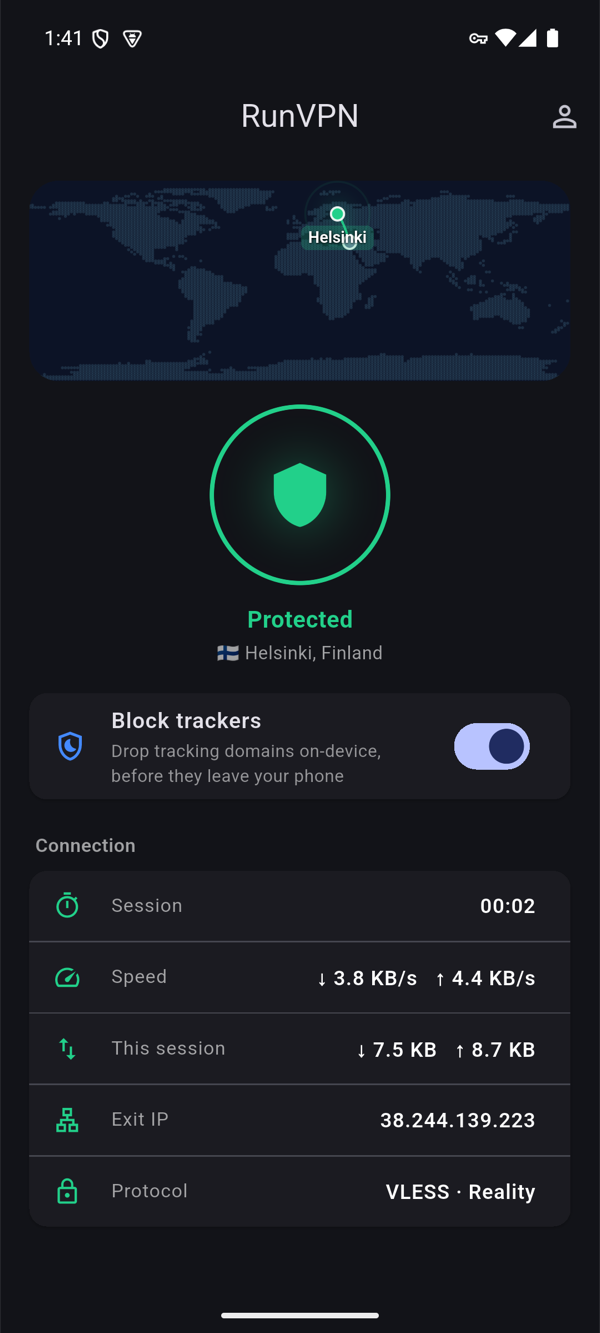
RunVPN encrypts your connection on any Wi-Fi or mobile network. Tap the big button and the app finds a working server for you, or pick a country yourself when you need a particular one.
- On Google Play
- Free plan to try
- Android 7.0 and later
What the app does
One tap to connect
Tap Connect and RunVPN chooses a working server. If a server stops responding, the app moves you to a backup on its own.
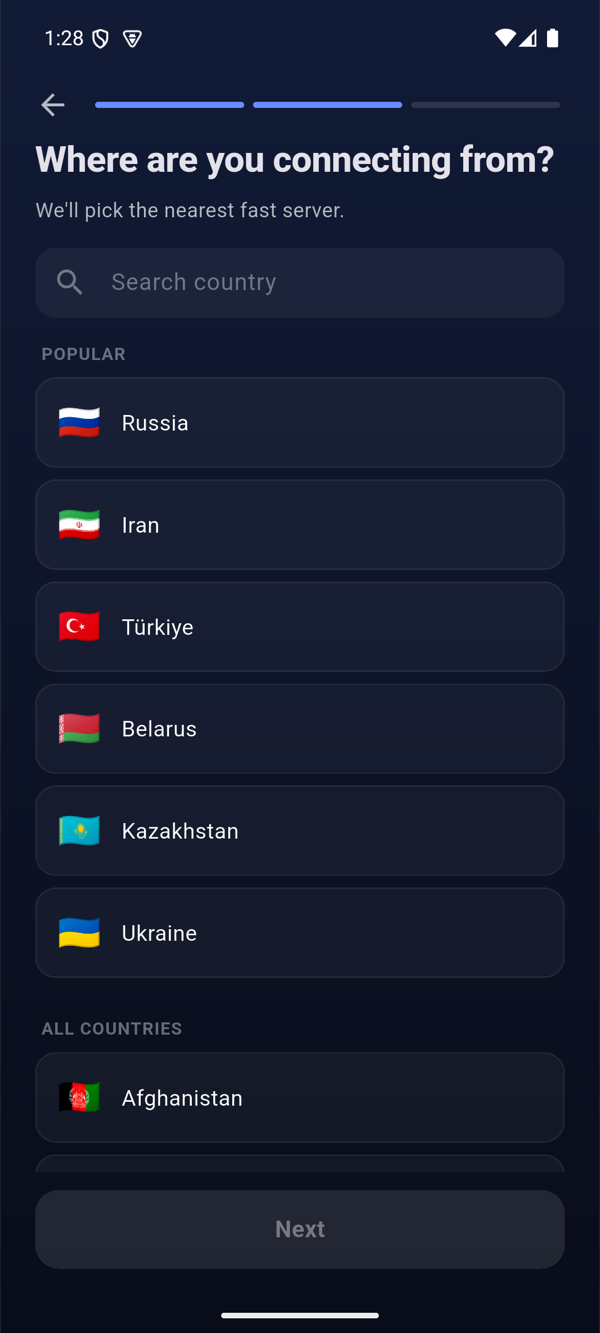
Choose a country
Let the app pick a location for you or choose a country from the list. Premium opens every location.
Split tunneling
Choose which apps go through the VPN and which use your regular connection, which is handy for local services.
Safer public Wi-Fi
On café, hotel and airport networks your traffic stays encrypted, so other people on the same Wi-Fi can’t read it.
Add a device by QR code
Show a QR code in Settings and sign in on a new phone or your TV by scanning it, with no passwords to type.
Quick sign-in
Sign in with Google or an email code. Your account and subscription stay with you when you change phones.
Get started in three steps
- 1
Install from Google Play
Tap the Google Play button on this page or search for RunVPN in the Play Store.
- 2
Sign in
Use Google or an email code. Android asks once to allow the VPN connection.
- 3
Tap Connect
The key icon in the status bar shows that the VPN is on.
Requirements
- Android 7.0 or later
- Phones and tablets; the same app runs on Android TV
- A RunVPN account, free to create
One account for every device
Start on the free plan to try the VPN on one device. RunVPN Premium opens every location, lifts the free plan’s data allowance and covers up to five devices, so your phone, computer and TV share one subscription.
RunVPN does not record the sites you visit, your DNS queries or the content of your traffic. The limited account and connection data we keep is described in the Privacy Policy.
Questions
Is RunVPN for Android free?+
You can install it from Google Play and try the VPN on the free plan. RunVPN Premium opens every location, lifts the data allowance and covers up to five devices.
Why does Android ask to allow a VPN connection?+
Android asks every VPN app for this permission once. It lets RunVPN create the encrypted tunnel, and the key icon in the status bar shows when it’s active.
Does it work on tablets and TVs?+
Yes. The same app runs on Android tablets, and on Android TV and Google TV it has a version made for the remote.